
















Description
Coming soon. The assembled pendants are built in small batches. The first batch of 5 is being prepared. Orders are not open yet. To hear when they open, subscribe to the newsletter at the bottom of this page or contact us.
The pendant in one minute:
More short videos, one topic at a time: pendant video tutorials.
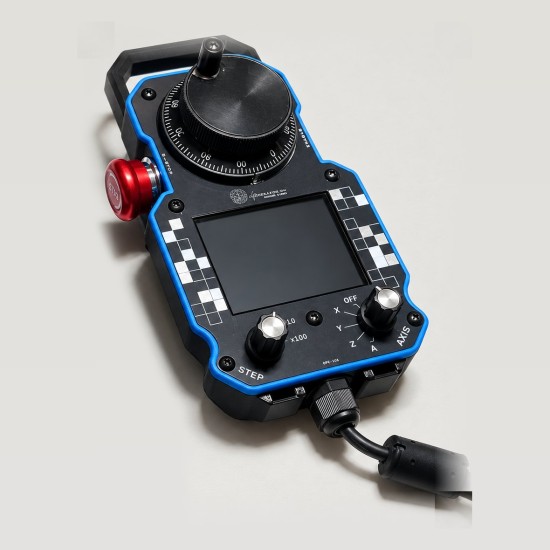
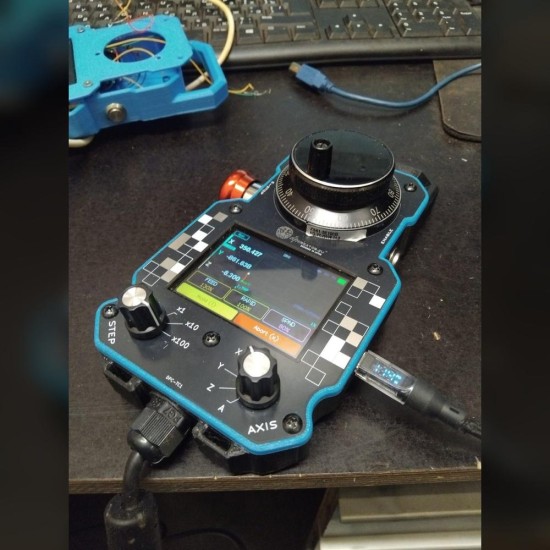
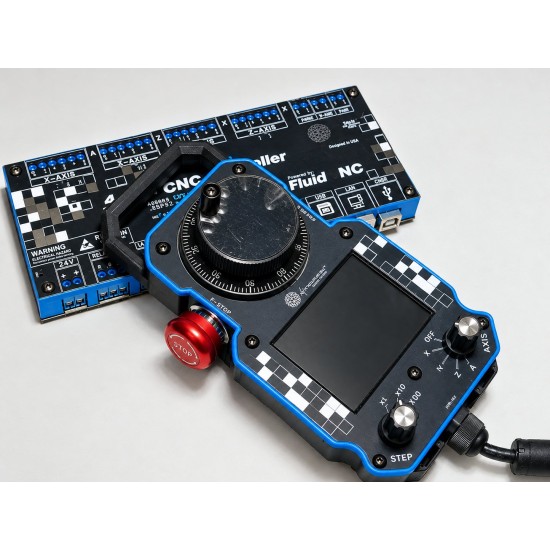
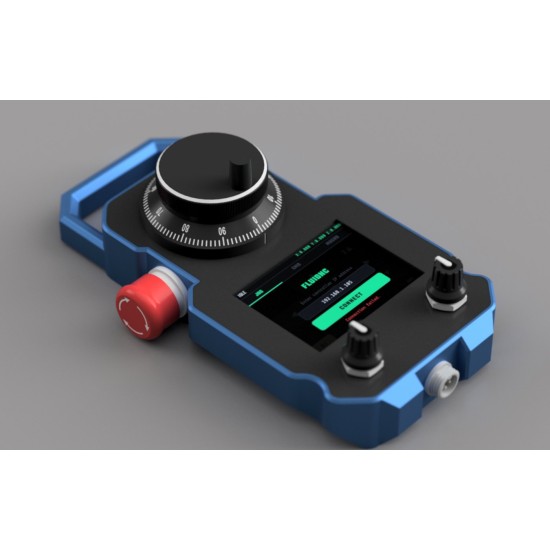
A ready-to-use touchscreen pendant for your FluidNC machine — assembled in a PETG case, flashed with the licensed SmartTabUI firmware and tested. Plug it into the controller's pendant port and go.
Try it first: the live demo runs the SmartTabUI pendant screen and the dpCREATOR WebUI in your browser. Jog with the handwheel, run a job and test the E-stop.
The dpCREATOR WebUI is free with the R3 controller. For other boards it is €39 on its own, and WROOM-32 boards get WebUI Lite free. Bought this pendant before 29 October 2026? Your WebUI stays included.
Highlights
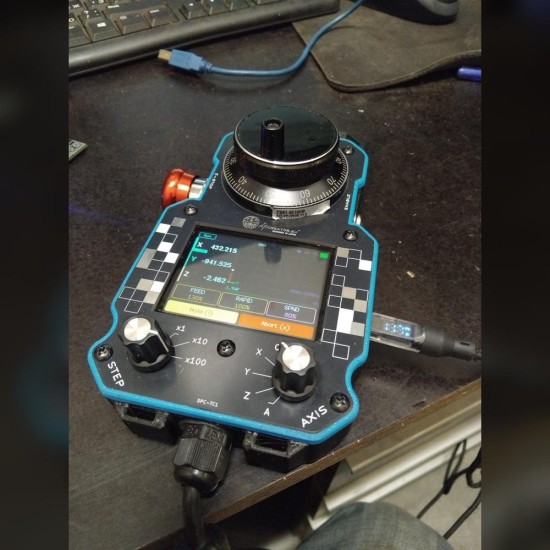
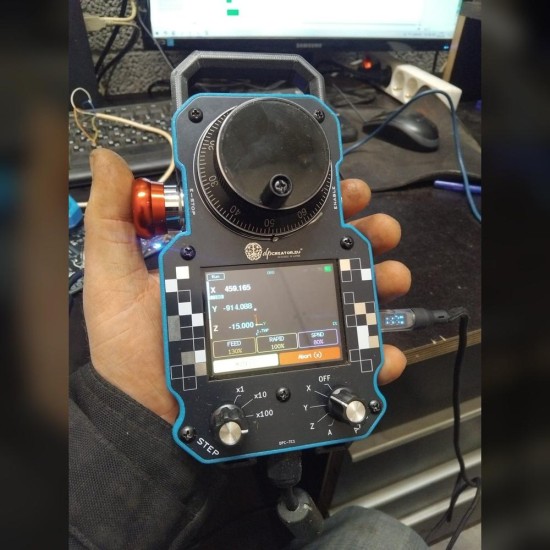
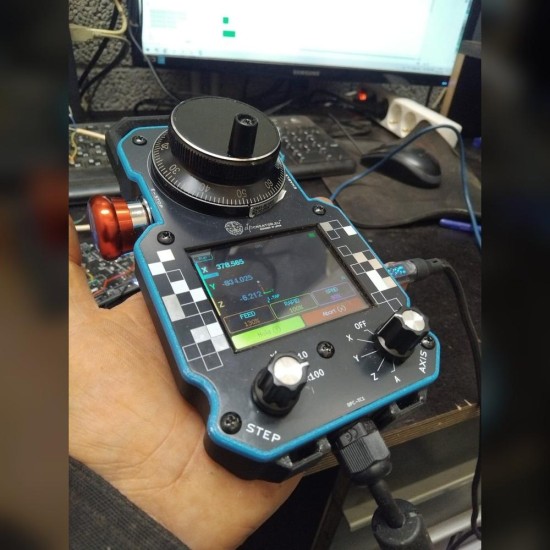
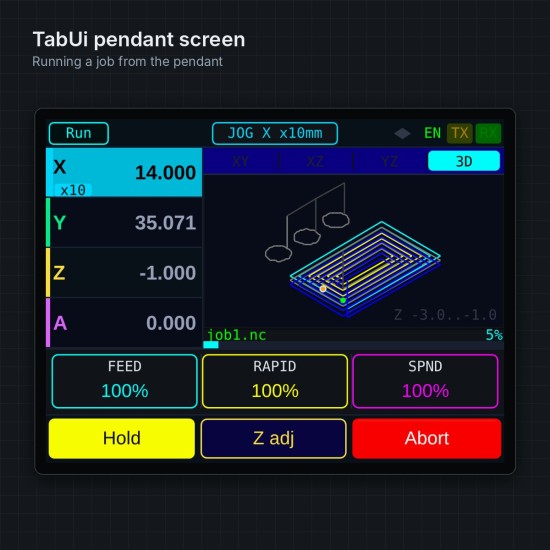
- 2.8" capacitive touchscreen with DRO, toolpath preview, files, macros and console
- MPG handwheel with axis selector (X/Y/Z/A), step selector (×1/×10/×100) and enable button
- E-stop: cuts the step pulses on the controller in hardware and puts FluidNC in Alarm
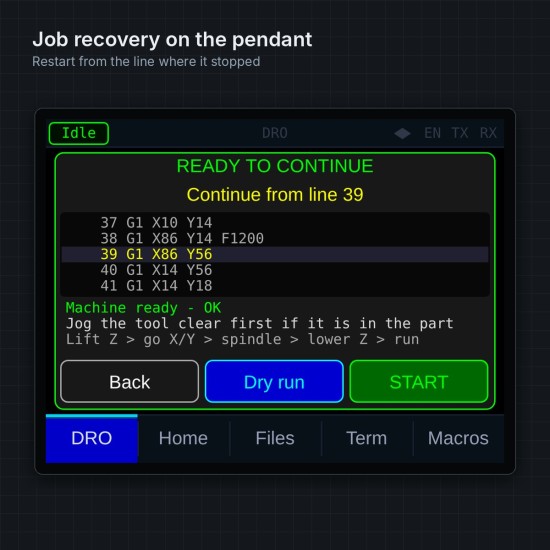
- Prepare and run jobs, resume an interrupted job (the controller records it as it runs), adjust Z live and rewind with the wheel
- Wired 5-core link: no Wi-Fi needed
- SmartTabUI firmware licence included, with free updates flashed from the site
What you need
A dpCREATOR R2/R3 controller (or a FluidNC board with a pendant UART and E-STOP input). Connection guide: SmartTabUI pendant documentation.
Building your own? The SmartTabUI firmware (€49.99) is sold on its own, and the PETG case print files are free. Want the controller too? The R3 + SmartTabUI combo saves €40.98.
Safety. Operator pendant for a machine run by a dpCREATOR controller, powered from the controller. Its E-stop is not a safety-rated emergency stop: every machine needs its own emergency stop circuit that cuts power to the drives and the spindle, laser or torch. Switch off power before plugging or unplugging the pendant cable. Not a toy; for adults. Do not dispose of with household waste: take it to an electronics collection point.
Security updates until at least 31 December 2031. No default passwords: you set your own at first use. Report a security problem to security@dpcreator.eu; see Security.