















Description
CAD/CAM that lives on your FluidNC machine
Install Studio onto the controller once and open it from any browser on your network. Design, make toolpaths and send the job straight to the board. Trace a real offcut with the pendant and Studio cuts your design on that exact piece.
- Runs from the controller itself: no PC software, no cloud, no account
- Sends jobs straight to the board, ready in the WebUI and on the pendant
- Draw or import SVG, DXF, PDF and pictures
- Cut out, holes, engrave, pocket and drill, with depth and holding tabs
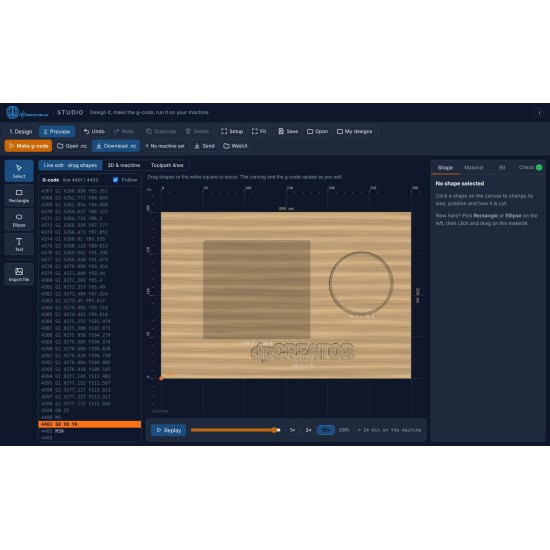
- Live preview, then download the G-code or send it
Need more? Studio Pro adds laser, 3D relief and STL, V-carve, offcuts, the 3D machine view and more. See Studio Pro
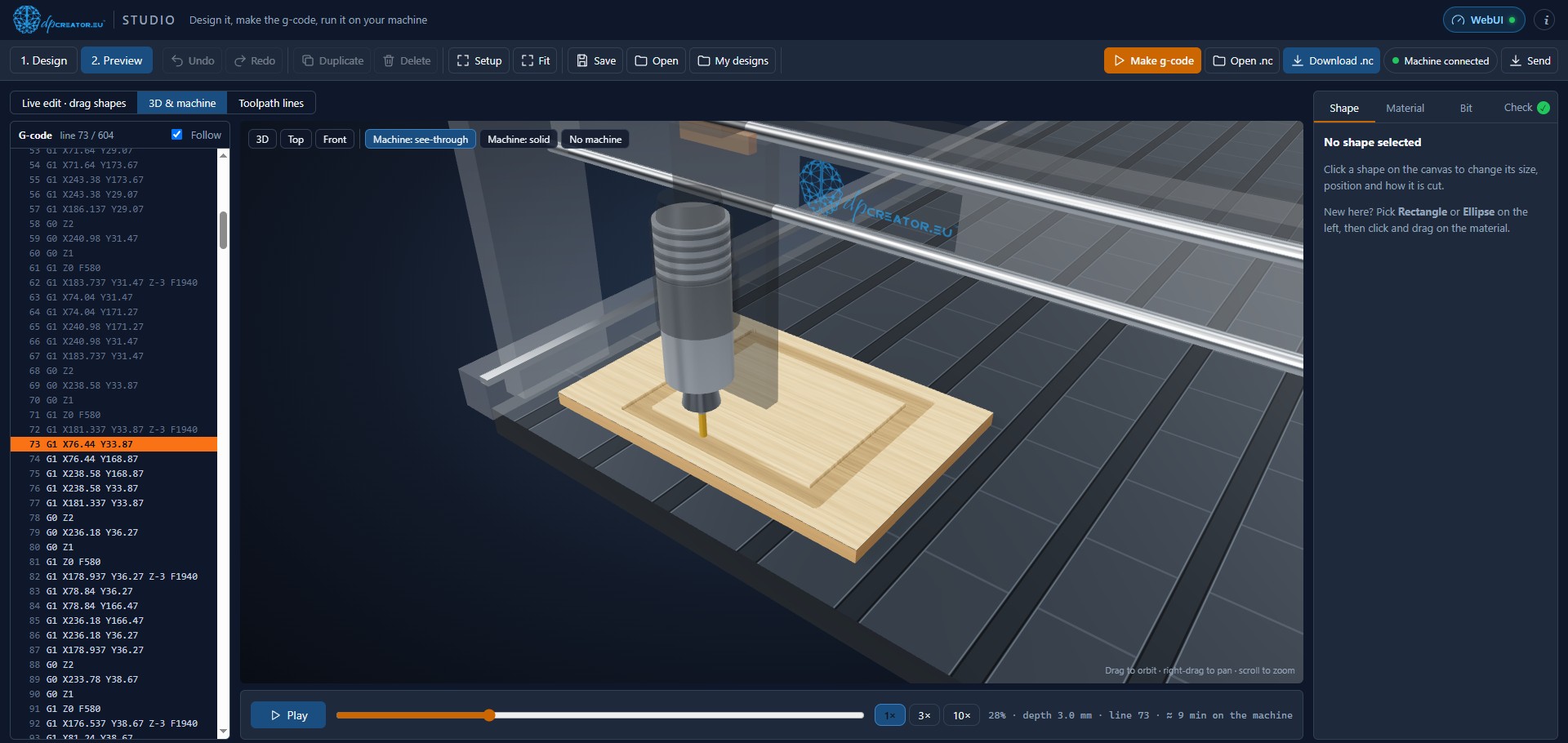
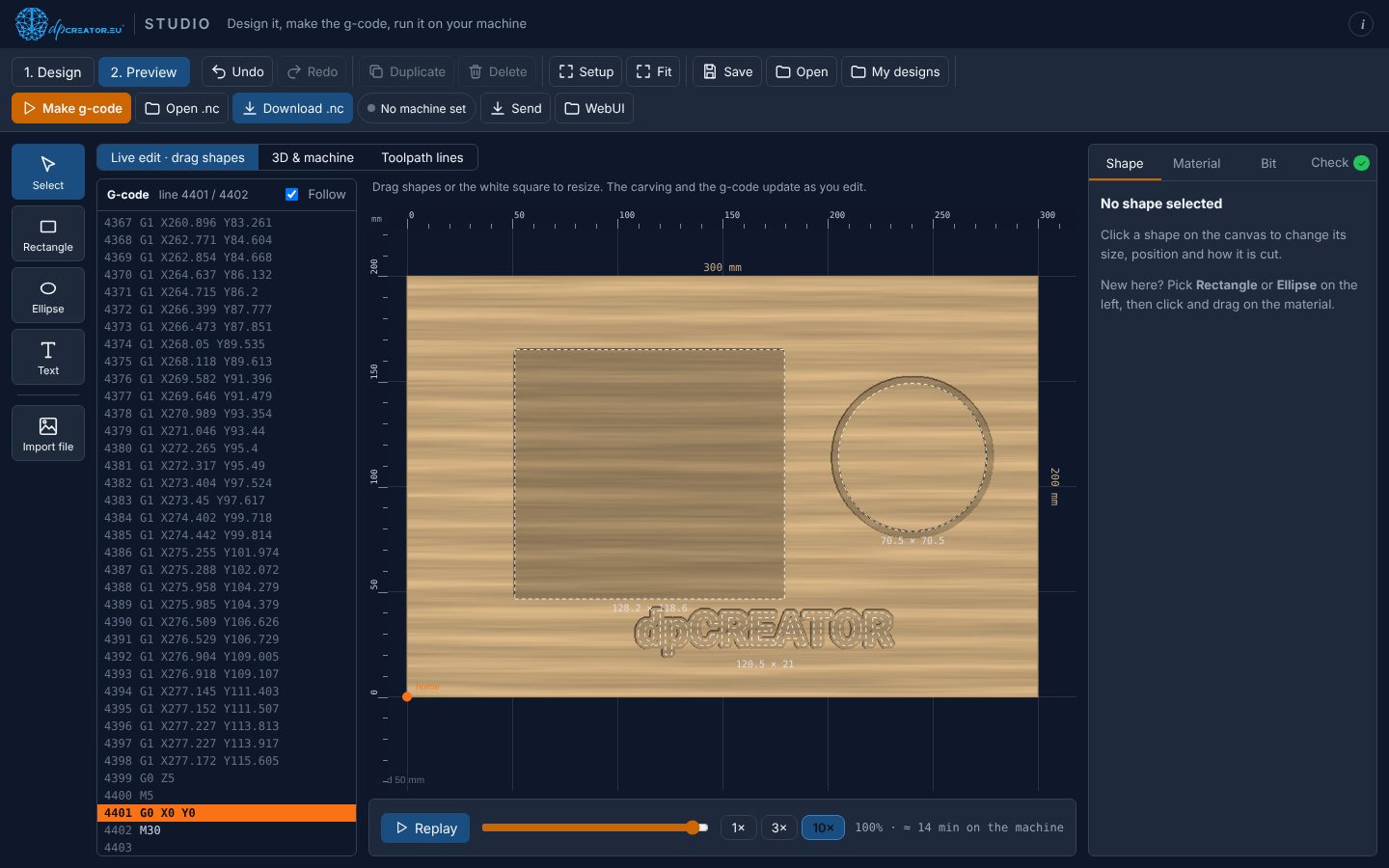
- 1. Trace the offcutJog round it and double-tap ENABLE at each corner.
- 2. Place the design on itStudio shows the real outline, so nothing lands off the edge.
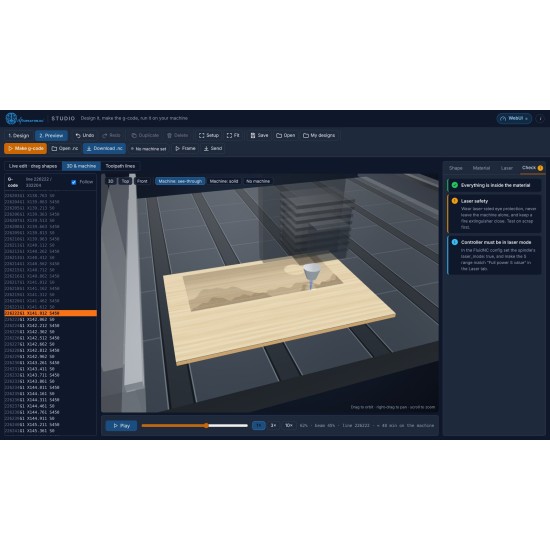
- 3. Watch it in 3D, then cutThe job arrives prepared in the WebUI and on the pendant.
Engrave pictures, cut parts, with a laser too
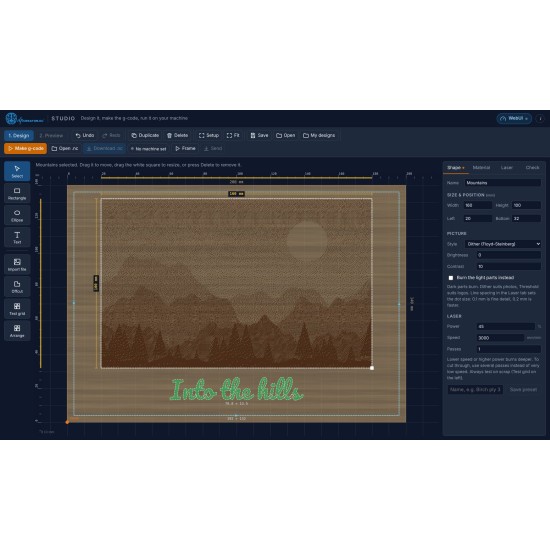
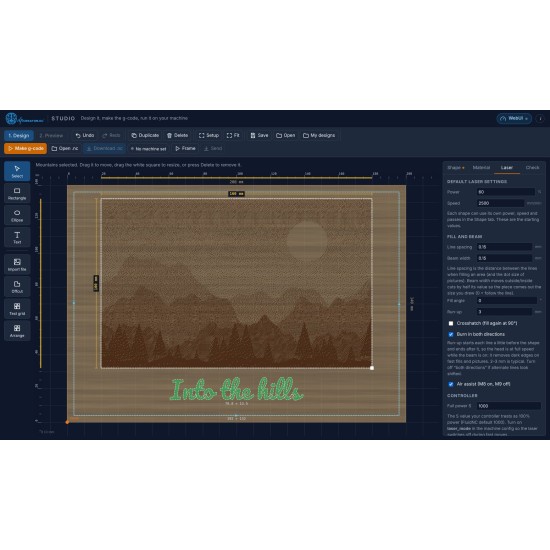
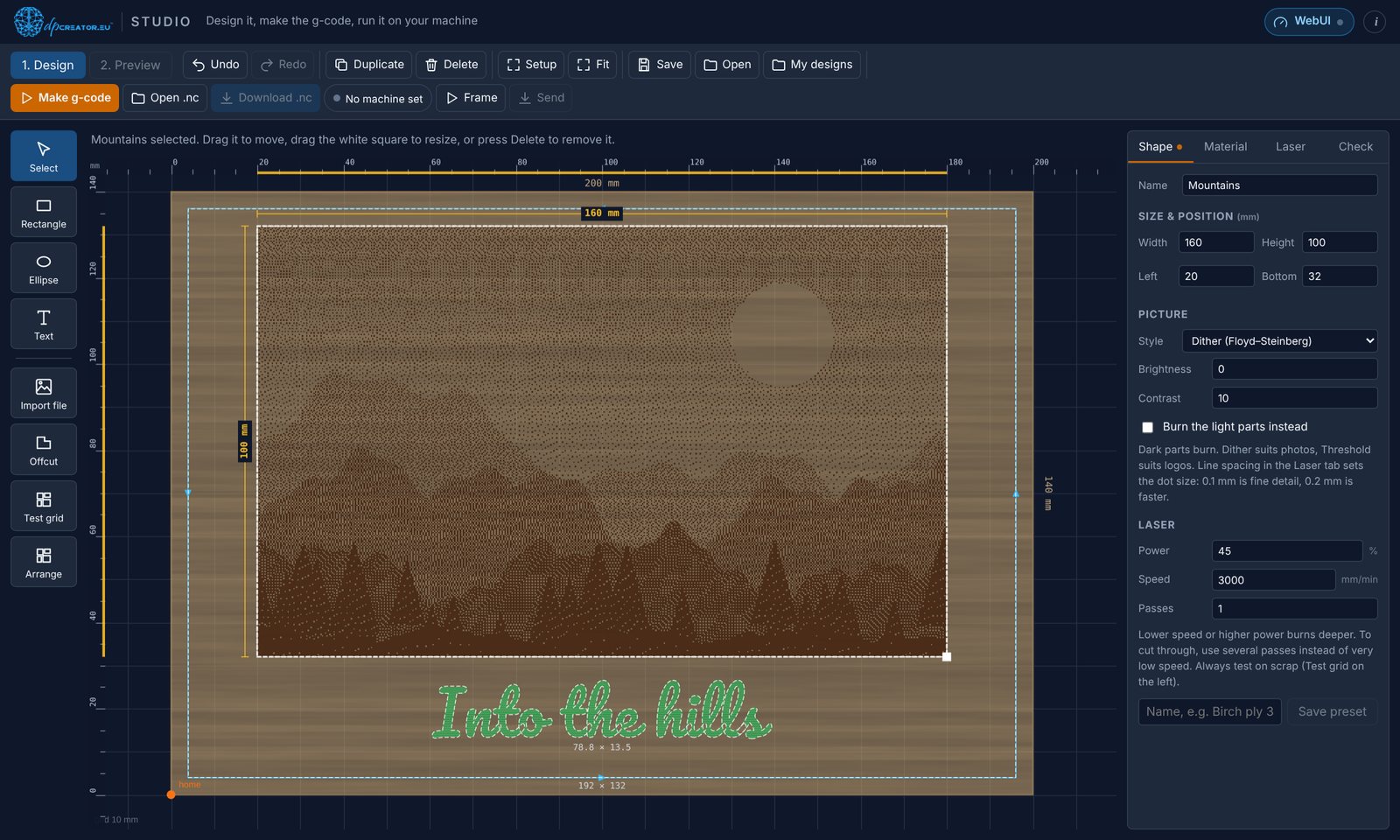
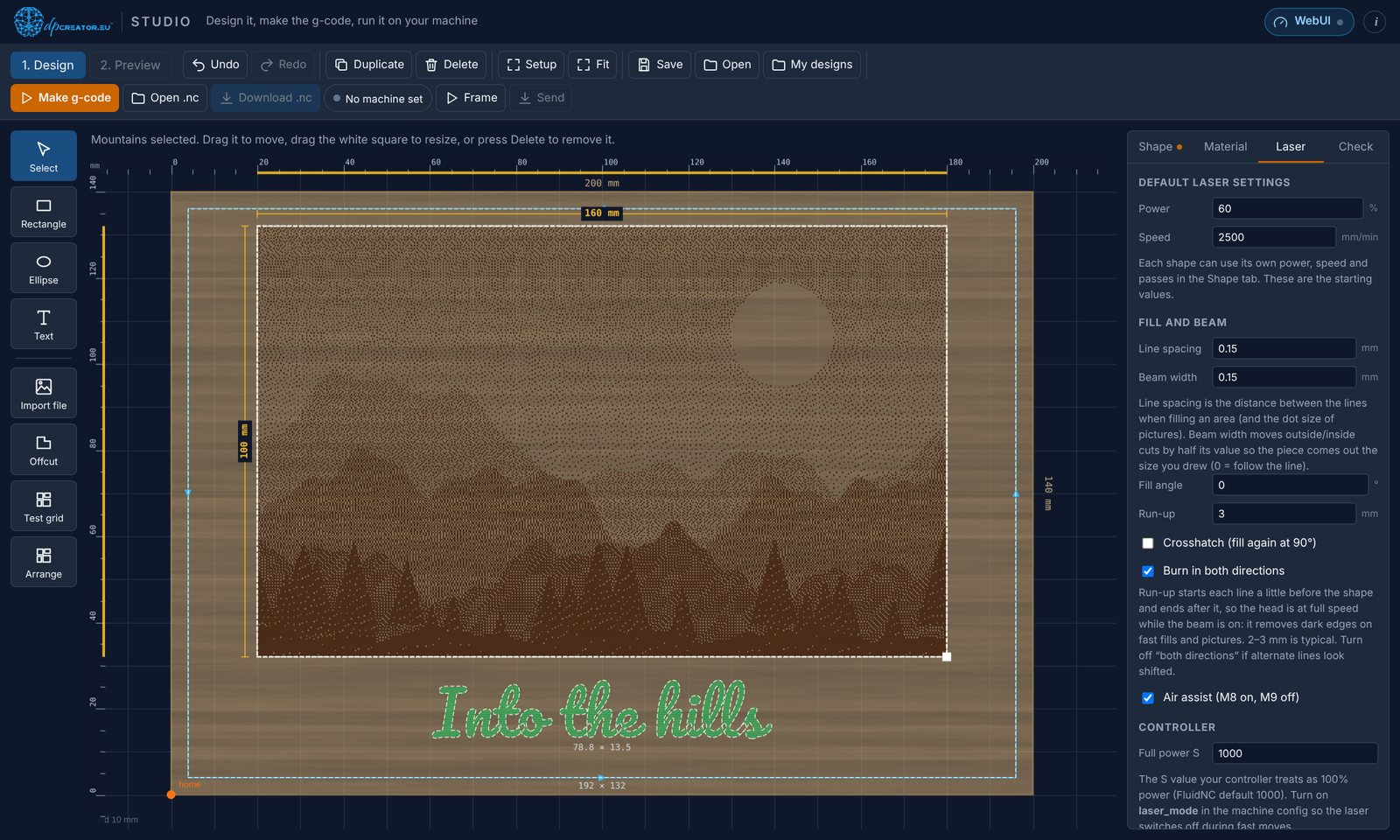
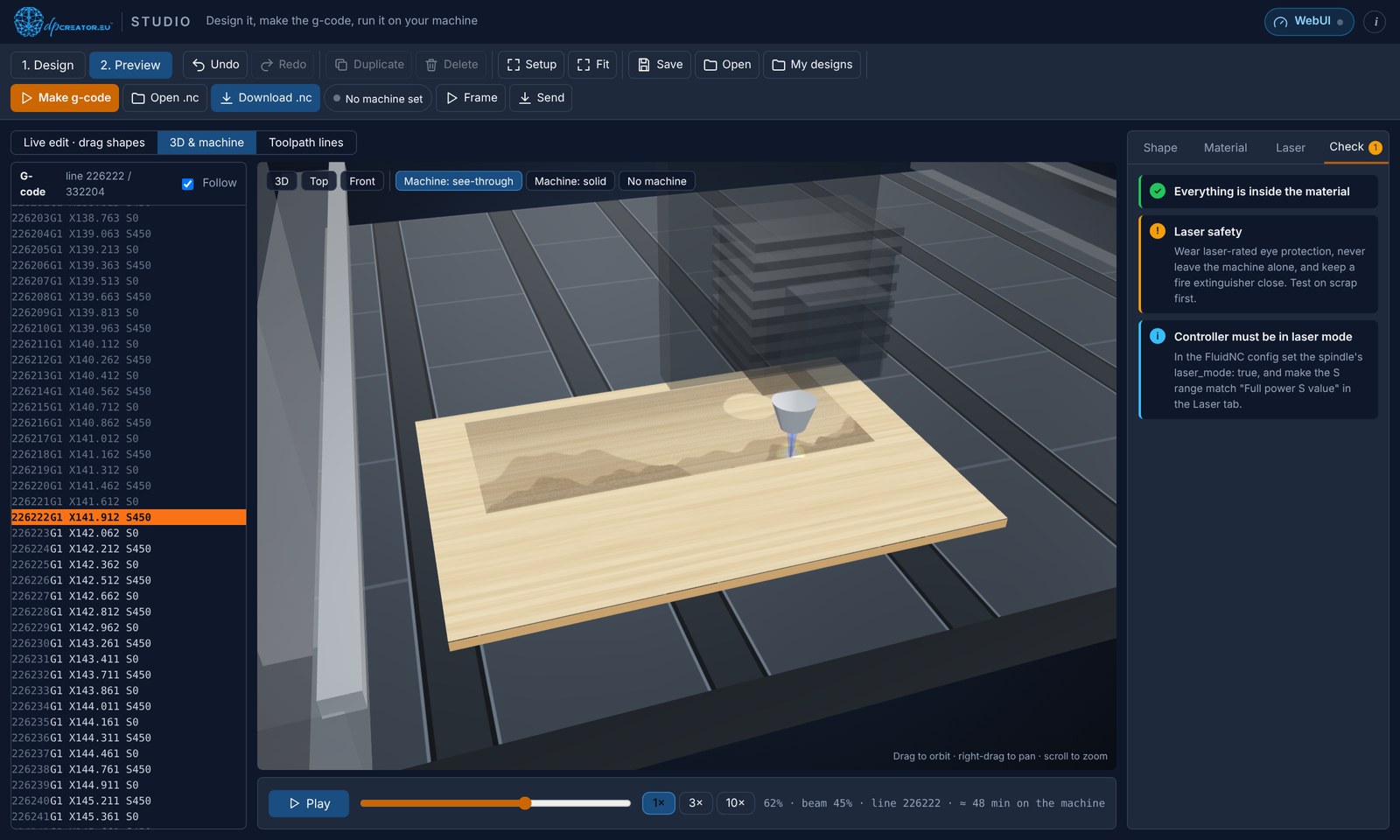
Switch the machine to Laser in Setup and Studio speaks laser: dithered or greyscale picture engraving, fills with crosshatch and run-up, cut-outs with the beam width taken into account, air assist, saved power presets and a test grid to find the right settings on scrap. Watch the head burn the job in 3D before you start.
dpCREATOR Studio Basic is free design and CAM software that runs in your browser. Draw or import your design, choose how each shape is cut, watch it carved in virtual material and make the g-code for your CNC router. Studio Pro adds lasers, 3D relief and more: see Studio Pro. It works with any FluidNC controller.
Open Studio now Install it on my controller
- Rectangles, ellipses and text; import SVG, DXF, PDF and pictures (PNG, JPG, WebP)
- Pictures two ways: trace them into outlines to cut, or (laser) engrave them dot by dot with dithering, threshold or grayscale
- Cut outside, inside, on the line, pocket, surface or V-carve, with depth, direction and holding tabs per shape
- Shape tools: join, cut out and overlap two shapes, grow or shrink an outline, and arrange all shapes on the material without overlap
- 4th axis (beta): wrap a design around a round bar held in the rotary axis; test on scrap first
- Material presets and a bit library suggest feeds, speeds and depth per pass
- Laser tools: power, speed and passes per shape, saved presets, fill angle, crosshatch, run-up, air assist, a material test grid, and Frame to check where the job will burn with the laser off
- Check tab: catches cuts outside the material or the machine, too deep for the bit, or fast moves inside the material
- Preview on virtual material and on a 3D machine for both router and laser (laser head, visible beam, the burn building up), with the g-code alongside; edit shapes live in the preview
- Offcut workflow: use an offcut measured on the machine as the material and cut with the work zero already matching
- Installs as an app and works offline; your designs stay in your browser
Cutting values are starting points: always test on scrap, and wear eye protection with a laser.

http://<your board>/studio.html, works without internet, and Send puts the job straight on the SD card. With the dpCREATOR WebUI the job opens ready to run.Studio Basic is free of charge. Studio is available only from dpcreator.eu; please don't redistribute copies. Guides: Using dpCREATOR Studio · Installing it on your controller.