













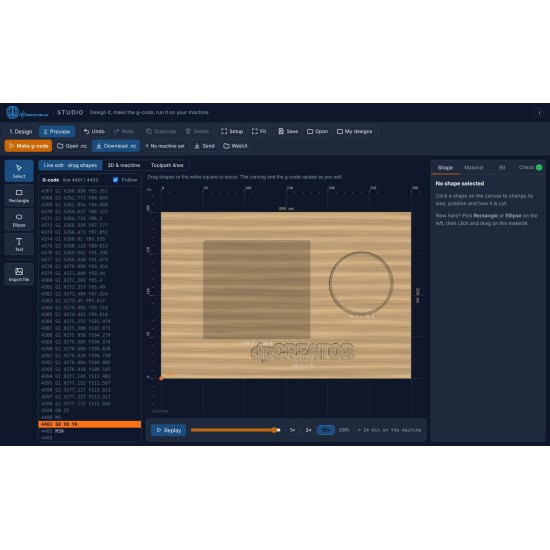
Description
Basic stays freedpCREATOR Studio Pro
Everything Studio can do, for the jobs that need more
Studio Basic is the easy design-to-cut experience for routers, free for everyone. Pro adds laser, 3D relief, V-carve and the tools for real production work, in the same simple Studio.
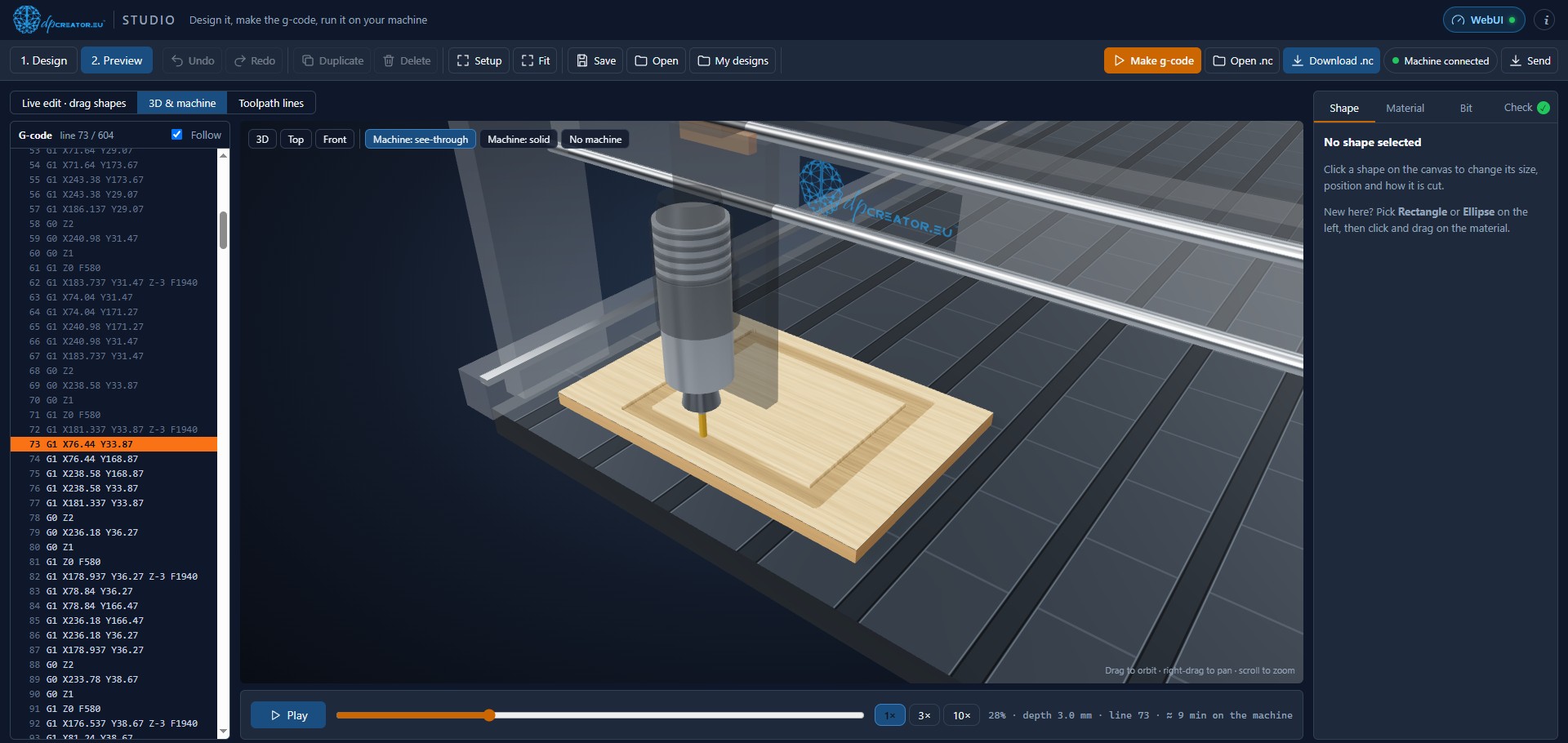
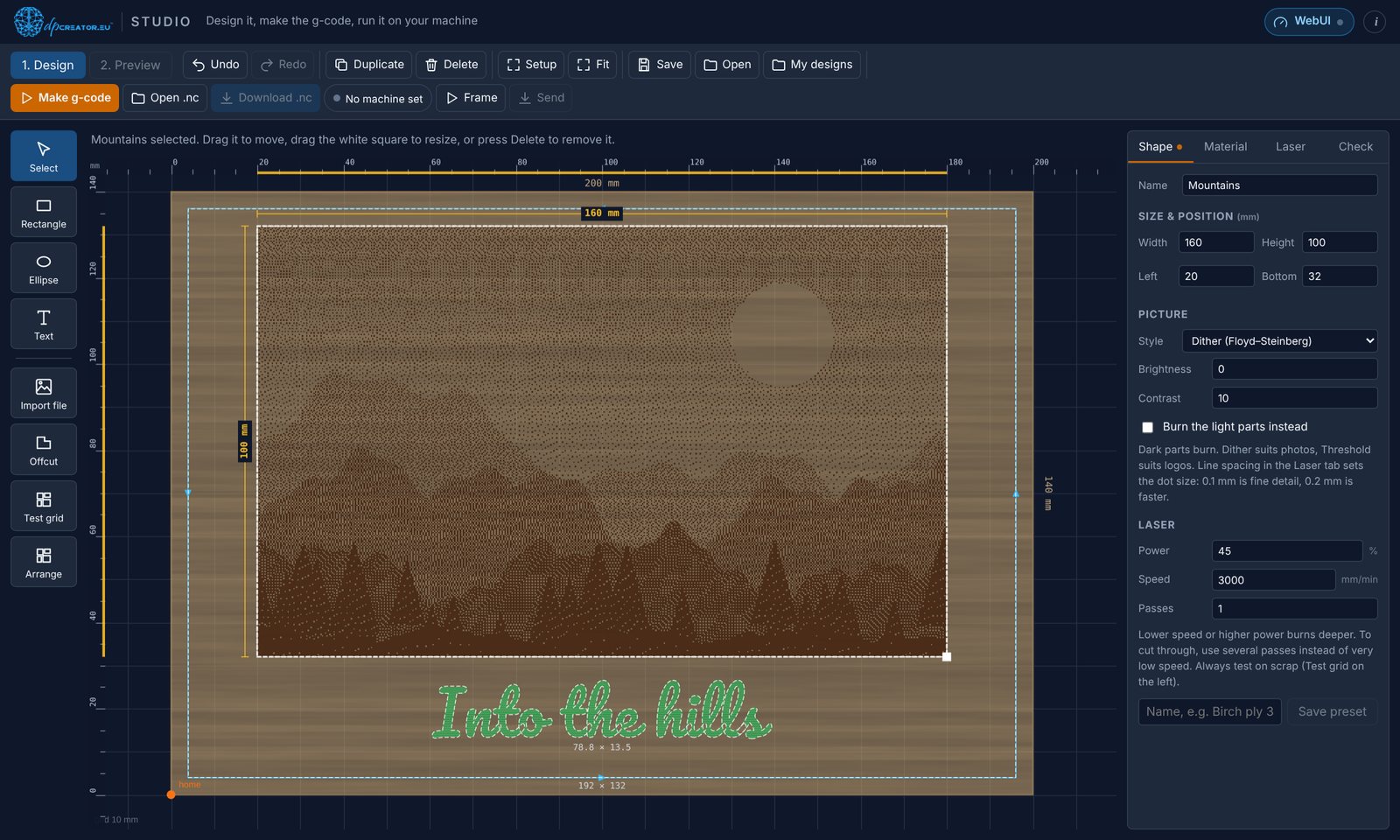
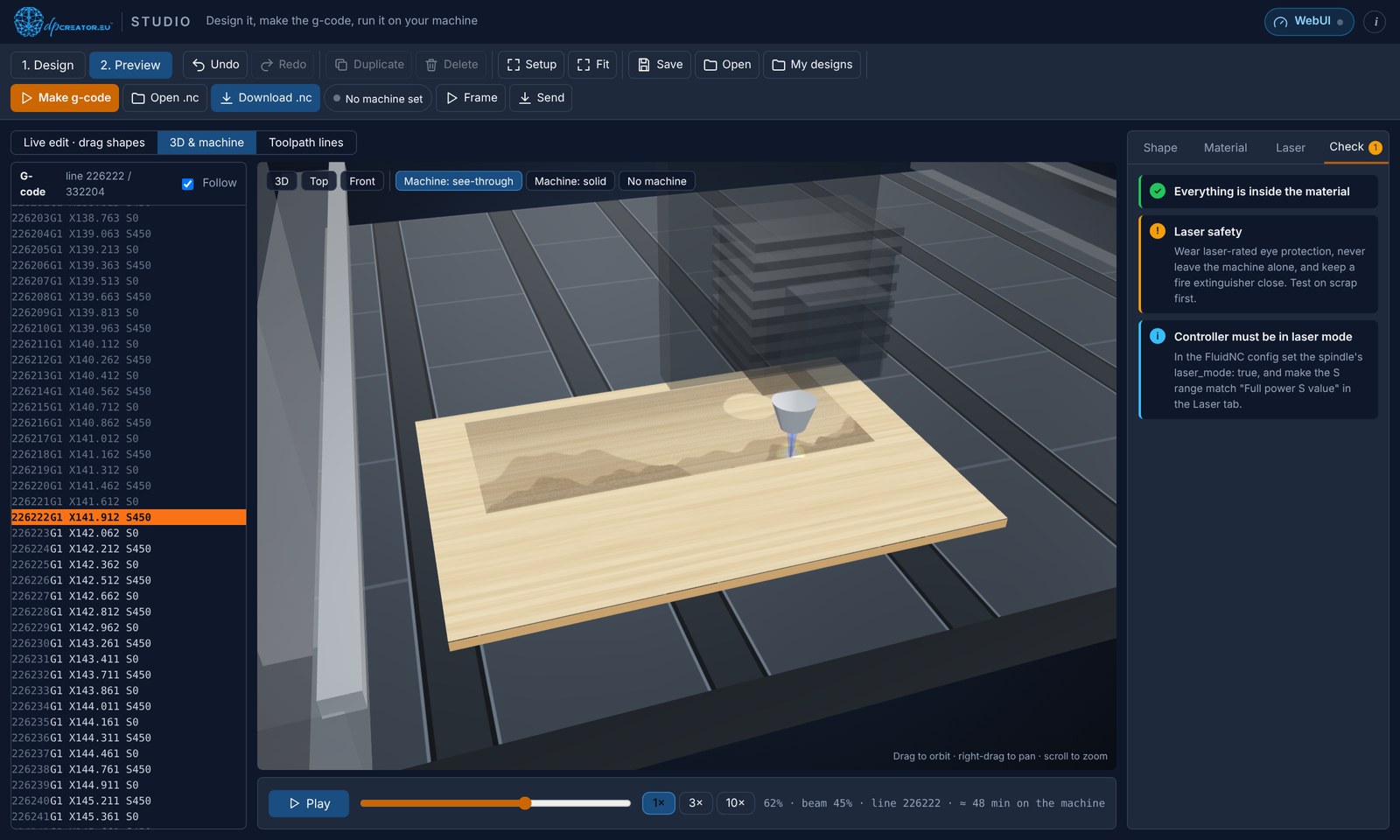
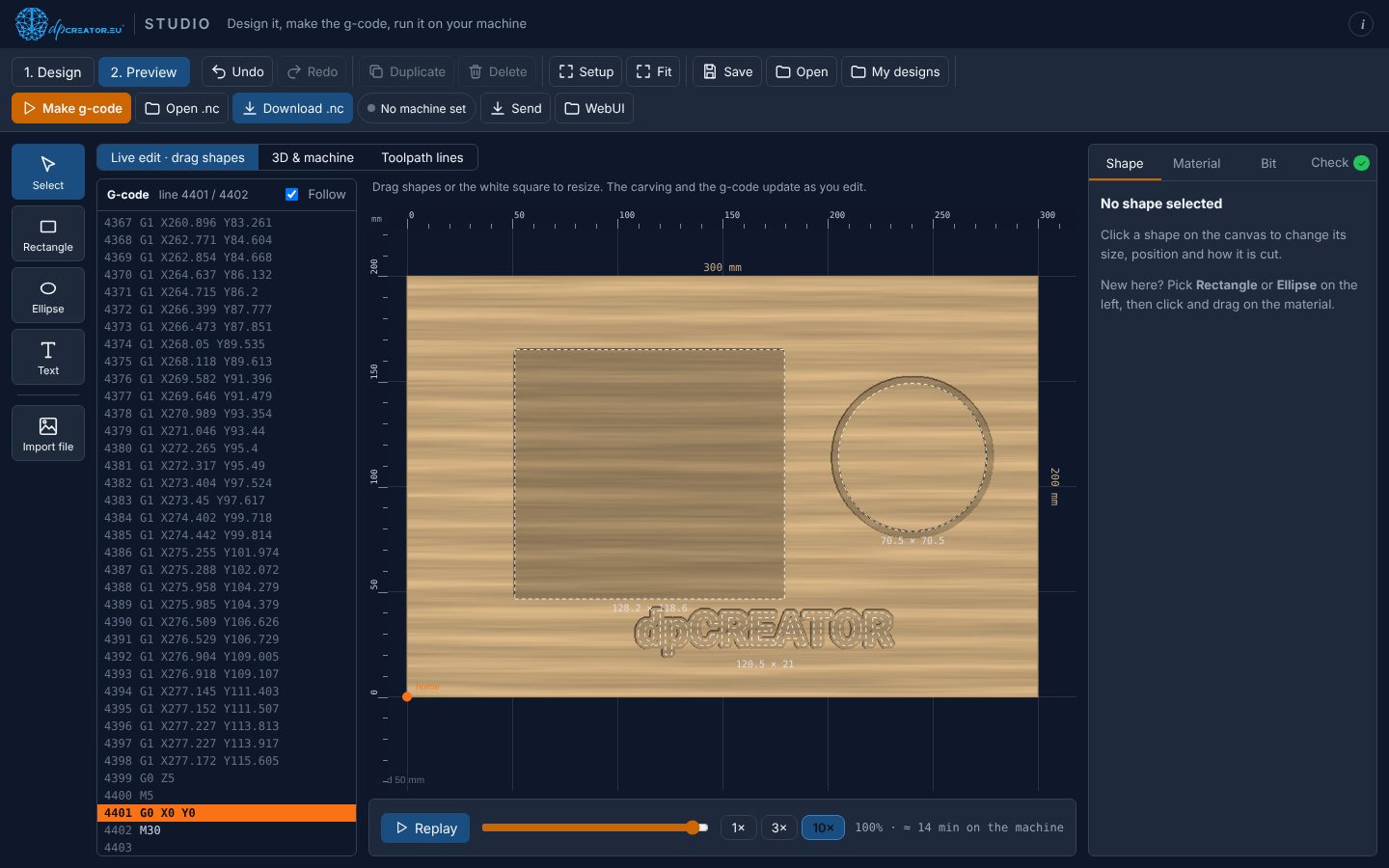
Watch Pro at work
V-carving in one minute. More short videos, one topic at a time: Studio video tutorials.
Plans
Pick how you want to pay
Not sure yet? Try Pro free for 14 days on dpcreator.eu first, no payment needed. All plans unlock the same Pro, on dpcreator.eu and on your own controller. Plans add up: buy another year before the end and it is added on top.
Commercial
€129 / year
The same Pro for a business: a workshop, production or jobs for customers.
Buy for a businessOne-time
€129 once
Pro with no end date and a year of updates. After that keep the version you have, or add another year of updates for €29.
Buy onceAlready on the one-time plan? Add a year of updates (€29).
Basic and Pro
What Pro adds
Studio Basic, free
The Easel-like core for routers.
- Draw or import SVG, DXF, PDF and pictures
- Cut out, holes, engrave, pocket and drill, with depth and holding tabs
- Bits, materials and speeds worked out for you
- Live preview and toolpath lines
- Download the G-code or send it to your FluidNC machine
Studio Pro
Everything in Basic, plus:
- Laser and router + laser machines, laser test grid and framing
- 3D relief carving from pictures and STL models, V-carve, surfacing and thread milling
- Cut order, job time line and cutting from a pocket floor
- Probe Z, resume a job from a line, tool-change files and printable job sheets
- QR codes and barcodes, box maker with finger joints, offcuts as material
- Templates, My designs with backups, saved cut settings
- All advanced shape options: two-sided work, inlays, texture fills, copies and arrays
- 3D machine view of the job running
Use it your way: in the browser, as an app, or on your controller
Studio Basic, free
Studio Pro
In the browser
Open Studio Basic. No account needed.
Open Studio Pro while logged in. It is unlocked for your account.
As an app
Open it in Chrome or Edge and click Install in the address bar. It gets its own window and works offline.
The same: open Studio Pro and click Install. Basic and Pro can sit side by side.
On your controller
Flash Firmware page, Studio tab. Open it at
http://<your board>/studio.html.The same installer puts Pro on when your account has it, licensed to that board.
Your licence is shown at the top of this page when you are logged in, with copy, download and e-mail buttons. Paste all its lines, unchanged, into the unlock page of a Pro copy.