















Description
A power cut is not the end of the job
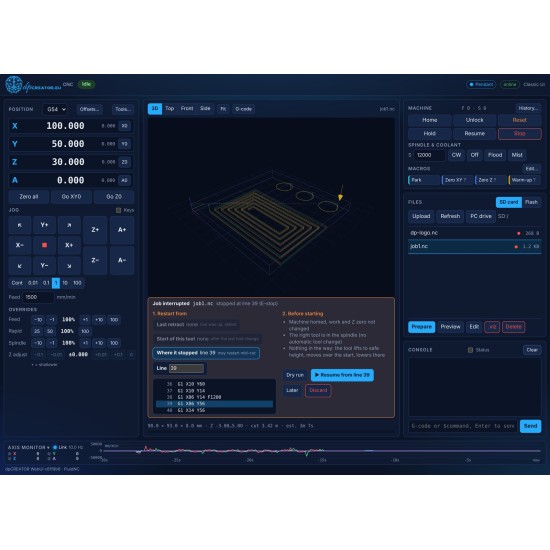
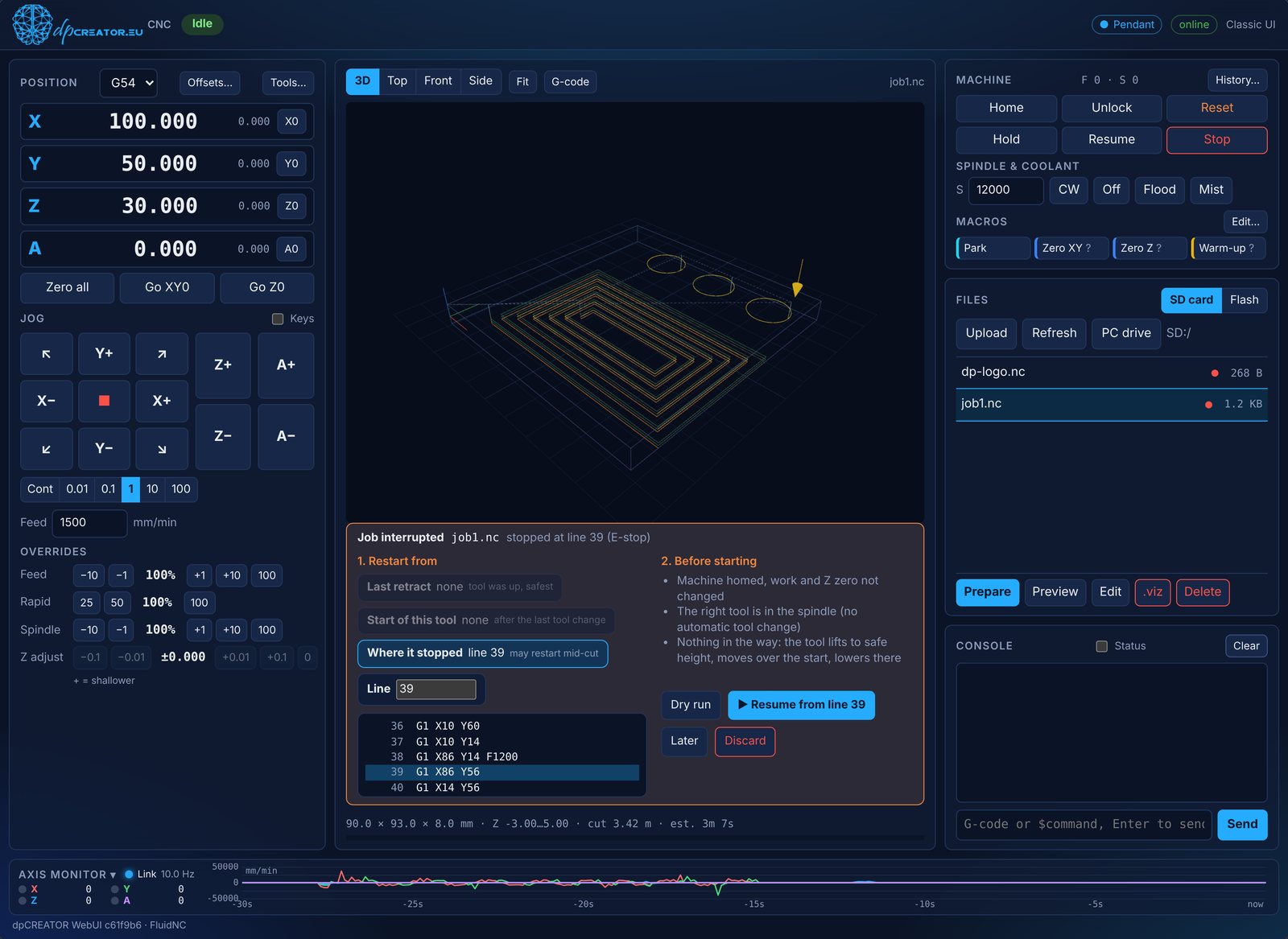
The controller records the job as it runs, and the WebUI offers to resume from the last finished line after a reset, an E-stop or a power cut. While it cuts, you can fine-tune Z on the fly, and between jobs you measure and retrace right at the machine, from any browser on your network.
▶ Watch how job recovery works (1 min 35 s, video)
- a dpCREATOR R2 or R3 board
- a SmartTabUI pendant or pendant firmware bought before 29 October 2026
- One licence covers two boards on your account
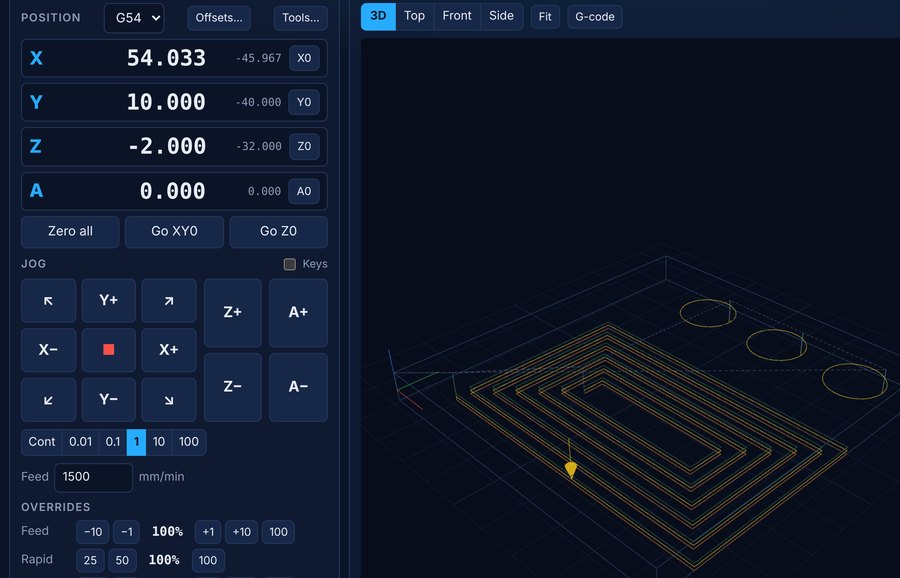
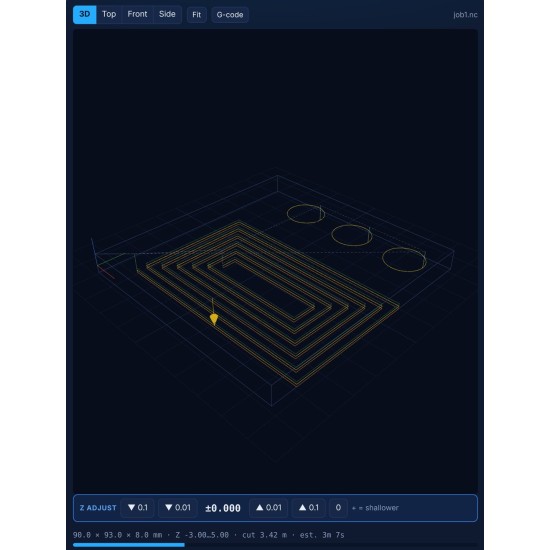
- Z adjust while it cutsStock not flat? Nudge Z deeper or shallower mid-job, without stopping.
- MeasureJog to two points and read the distance. Size your stock with the machine itself.
- Record and RetraceRecord points as you jog, then retrace them as a path or an offcut outline for Studio.
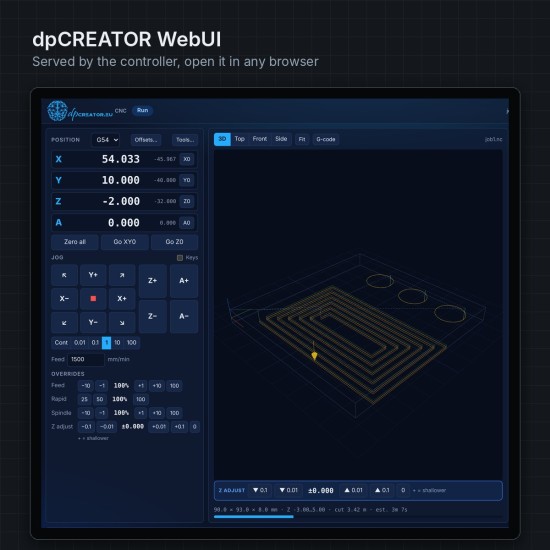
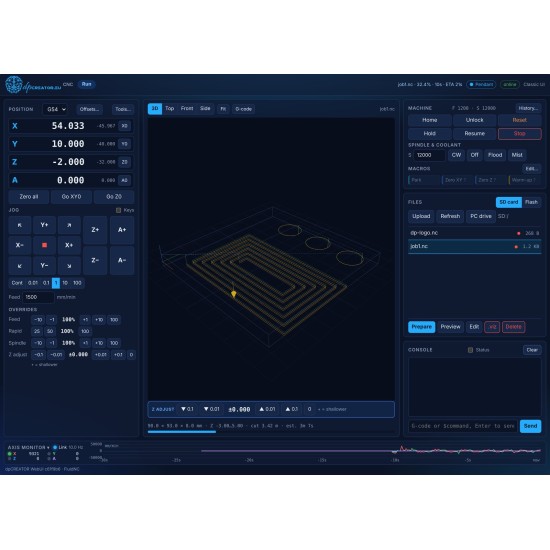
The dpCREATOR WebUI is the browser control panel for dpCREATOR FluidNC. It runs from the controller itself, on a PC, tablet or phone, with no app to install and no internet needed.
- Runs G-code from any CAM with a GRBL post-processor: Fusion, VCarve and Aspire, Carbide Create, Easel, Estlcam, LightBurn and more.
- 3D toolpath view with progress and the path already cut, plus a G-code view that follows the running line
- Job recovery after a stop or power cut: suggested restart points, dry run, then resume
- Live Z adjust while cutting, and rewind along the path from Hold
- Run from any line, job history, and cutting and spindle hour counters
- DRO, jogging, overrides, work offsets
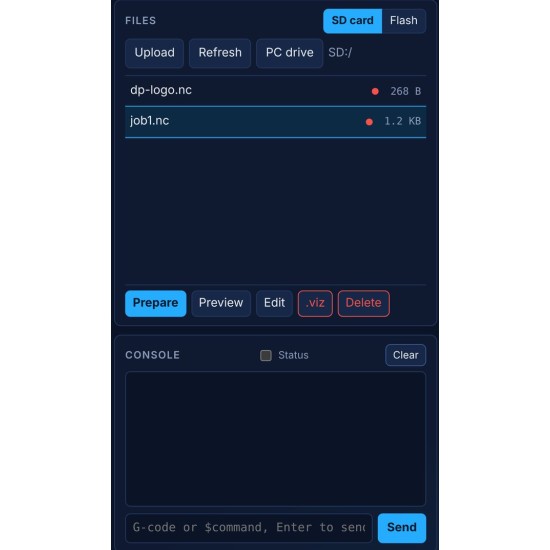
- File manager for the SD card and flash, console, and a macro editor shared with the SmartTabUI pendant
Requires the free dpCREATOR FluidNC firmware. The licence is tied to your account and covers up to 2 boards. Free with the dpCREATOR R3: the R3 controller and the R3 + SmartTabUI combo. Pendants bought before 29 October 2026 keep the WebUI they came with. Buy it here for another ESP32-S3 FluidNC board running the dpCREATOR firmware: the full WebUI is the upgrade for third-party ESP32-S3 boards (WROOM-32 boards get WebUI Lite free).
The WebUI in 2 minutes:
More short videos, one feature at a time: WebUI video tutorials.
Digital product: the licence is active and you can install the WebUI right after payment. Because delivery starts straight away, the 14-day right of withdrawal no longer applies once it has started. See the Terms & Conditions, section 8.
Product names are trademarks of their respective owners.