













12 Oct
There are two ways to update the controller. Pick the one that matches what you need.
| Method | Keeps config.yaml? | dpCREATOR WebUI |
|---|---|---|
Full image (browser flasher, merged-flash.bin at 0x0) | No — replaced with the example config | Replaced by the stock FluidNC page: install the WebUI again |
Firmware only (firmware.bin via WebUI upload, or at 0x10000) | Yes | Stays as it is |
Recommended routine
- Download
config.yaml(and any other files you changed) from the WebUI file manager. - Flash the full image from the Flash Firmware page.
- Upload your
config.yamlagain, then$bye. - Install the dpCREATOR WebUI again from Flash Firmware → WebUI (it doesn't use up a board), then reload the page with Ctrl+F5.
- Update the pendant too — the two are developed together.
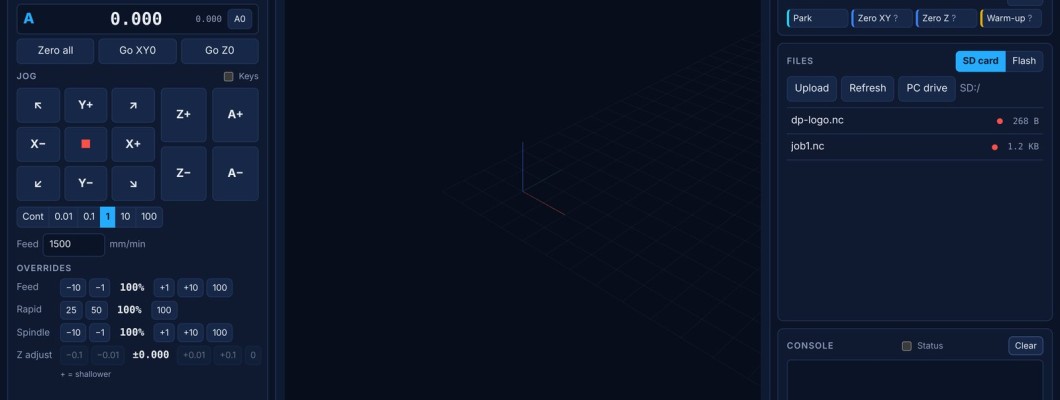
Missing features after an update? The dpCREATOR WebUI is a separate install, so a firmware update doesn't change it. Its footer shows the WebUI and firmware builds, warns when the firmware is newer than the page, and shows update available when newer builds are out (the daily update check can be switched off there). Install the latest WebUI from Flash Firmware → WebUI.
Macros, tool table and job history are stored on the SD card (/sd/.dpc/) and survive firmware updates.
What changed in each build: Release notes and bug fixes.