













12 Oct
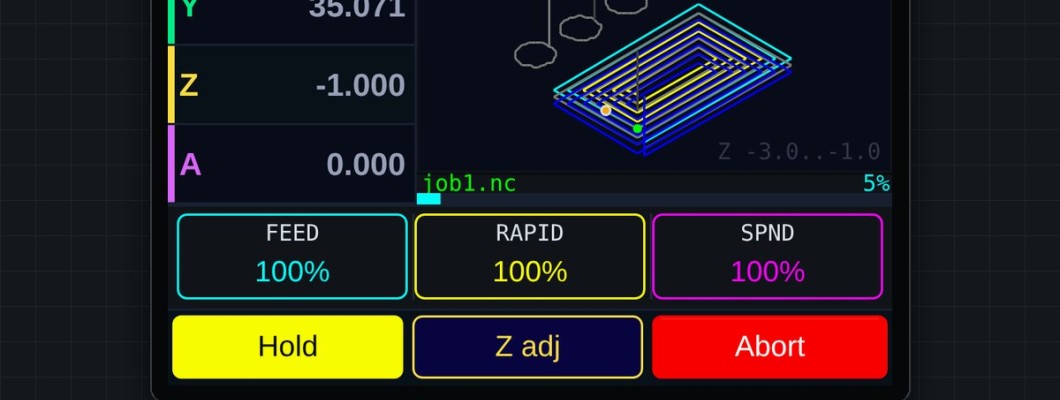
The Flash Firmware page installs the newest build straight from your browser. It always offers the latest version, built automatically from the source.
What you need
- Chrome or Edge on a desktop computer. Firefox and Safari don't support Web Serial.
- A USB data cable. Charge-only cables don't show up as a port.
Steps
- Controller: back up your config. Download
config.yamlfrom the WebUI file manager first. The full image replaces it with the dpCREATOR example config. (The pendant keeps its settings.) - Log in to your dpcreator.eu account. Connect the board you want to flash — controller or pendant, one at a time. For the pendant, unplug the controller cable first.
- Open Flash Firmware and pick the Controller or Pendant tab.
- Controller: click Flash via browser, then Connect & flash firmware, choose the serial port and Install. Wait for Installation complete, restart the board, upload your
config.yamlagain and reboot with$bye. If you use the dpCREATOR WebUI, install it again from the WebUI tab: the full image puts the stock FluidNC page back, and reinstalling doesn't use up a board. - Pendant: click Connect and install and choose the serial port. The page reads the pendant's chip ID, registers it with your licence the first time, and installs the latest SmartTabUI with its licence. When it says Done the pendant restarts by itself. See Installing, updating and registering SmartTabUI.
- Don't unplug during flashing.
Which build is which
| Board | Chip | Image |
|---|---|---|
| dpCREATOR R2/R3 controller | ESP32-S3 | FluidNC 4.1.1 + W5500, full image at 0x0 (bootloader, firmware and the stock FluidNC page). The dpCREATOR WebUI is installed separately. |
| SmartTabUI pendant | ESP32 | SmartTabUI firmware at 0x0, licence at 0x310000 (settings kept) |
Who can flash what
| Firmware | Access | Download |
|---|---|---|
| Controller (FluidNC + W5500) | Free — log in to your account | Yes, .bin for esptool (write at 0x0) |
| SmartTabUI pendant | Registered pendants — from any account. A new pendant is registered with a licence the first time it is installed. | No — installed from the site only |
The Flash Firmware page shows the build number and date of each version.